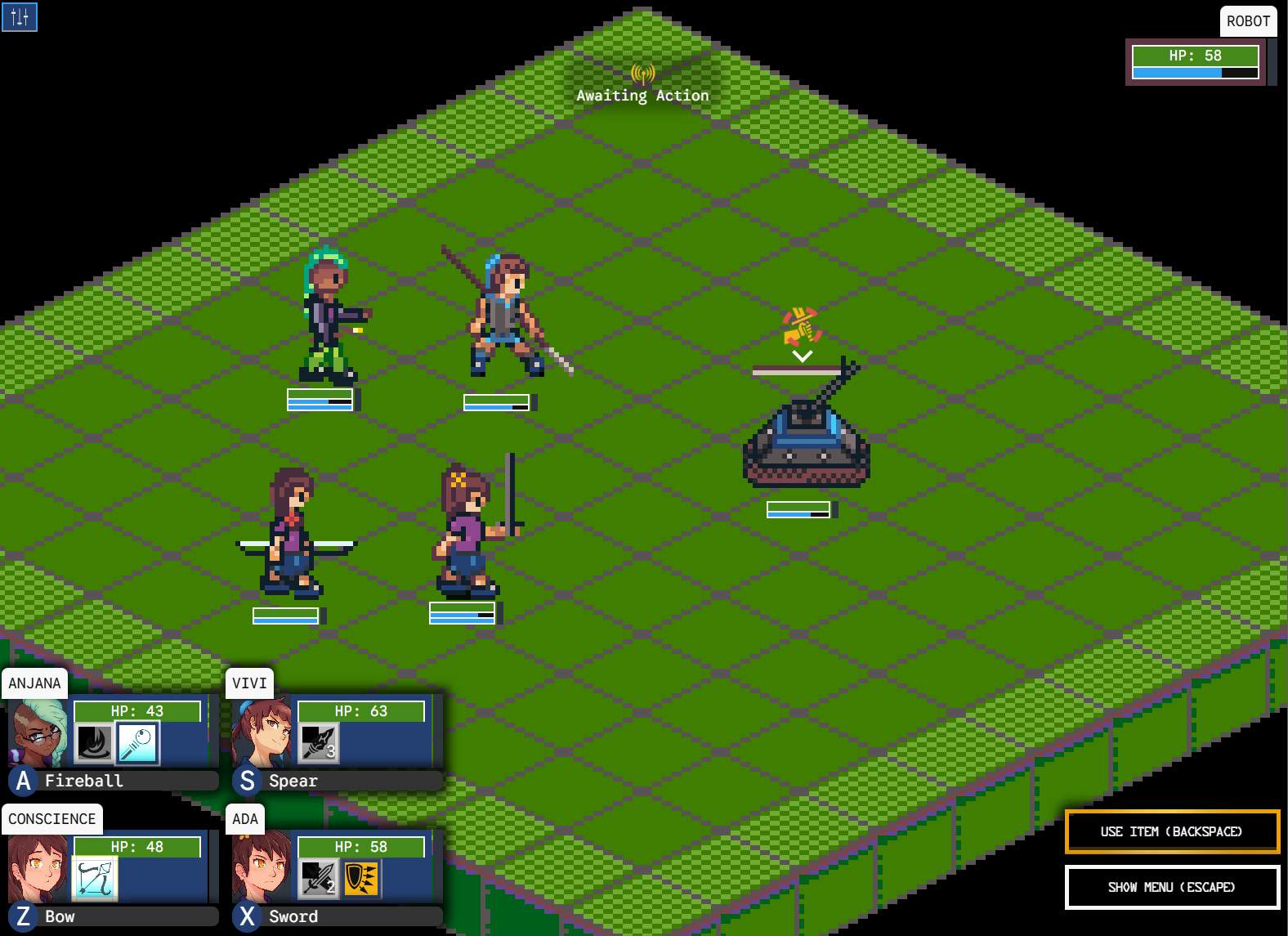
Regem Ludos features a battle system with a lot of things all going on at the same time. There are cooldown bars filling or emptying at all times. Enemies are targeting your party, jumping around the screen and dropping your hp bar. All characters have different abilities that do different things, and take varying amounts of time. Status effects morph and change the battle field as time goes on. And so much more than I can succinctly put here. It's a lot to process!
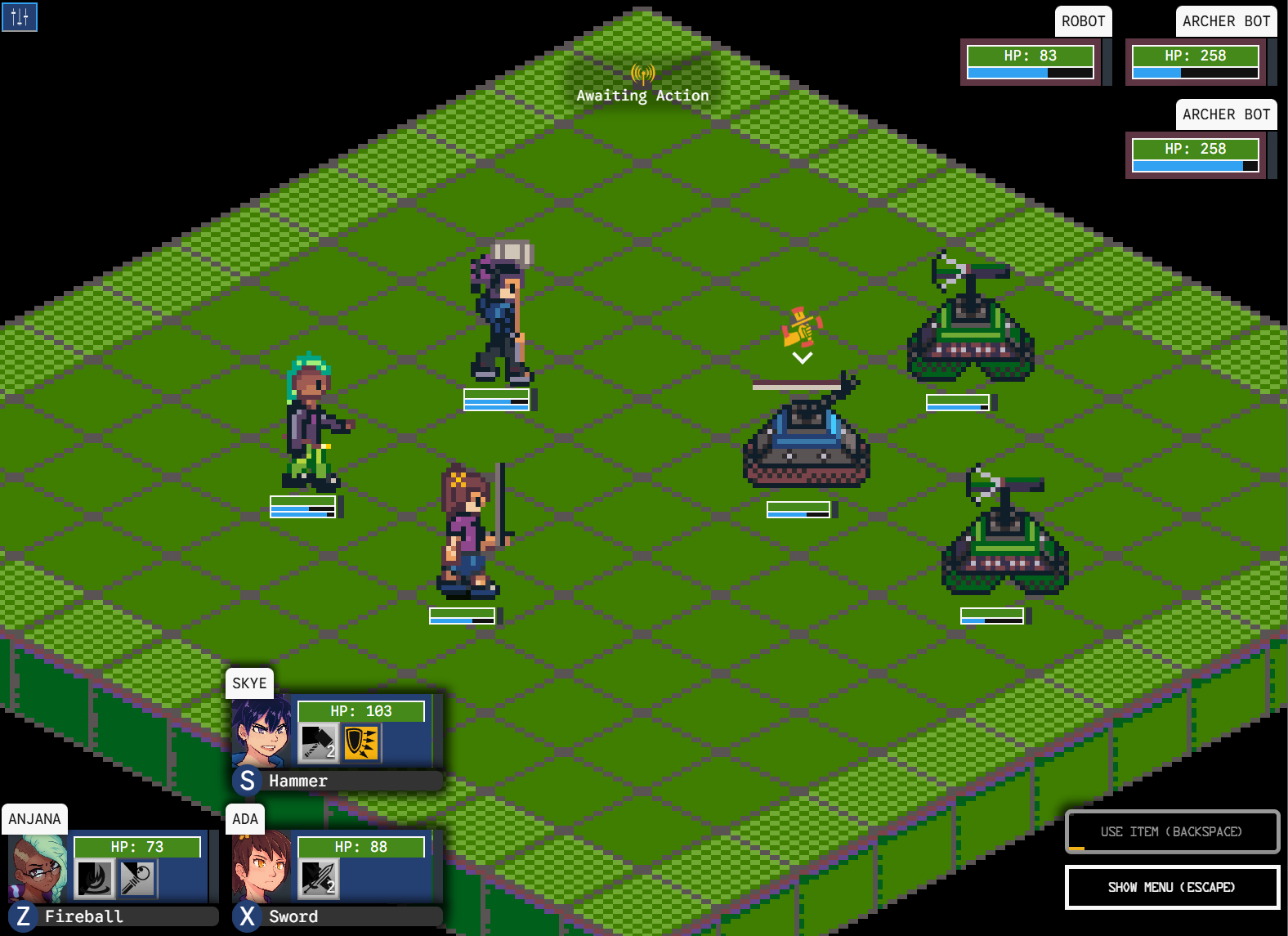
And I mean that from a player's perspective and from a computer's perspective. Tracking all the little things that need to be tracked in this battle system is a fairly complex process, and this post aims to take you through how it is done in the game.
I Run My Programs Like I Read My Books: One Line at a Time
The best way I can think of explaining the concept of async processing is to start with an anecdote of how I personally came to understand a bit more about it. The first programs I created looked like this: propose a question to the user, get some input, act on the input, display a result. Simple. Easy.
import readline from 'node:readline/promises';
import { stdin as input, stdout as output } from 'node:process';

async function main() {
  const rl = readline.createInterface({ input, output });
  const answer = await rl.question('Do you like pizza? (yes/no): ');
  rl.close();

  if (answer === 'yes') {
    console.log('Great! Pizza is the best.');
  } else {
    console.log("That's okay. More for the rest of us.");
  }
}

main();
The program runs

The terminal is something a lot of non-computer folks think is "advanced" computer knowledge, but it's really the complete opposite. It's the simplest possible way you can create and execute a program. Programs in the terminal are usually text-based, and especially when you're just learning, these programs typically print out text line by line. It makes it easy to follow what's happening in the code: look at the text that was printed, and match it up to where it is in the code, then you can follow how the program is working.
I'm focusing on the terminal here for 2 reasons:
- It's how most people are first taught to create and execute a program.
- It's the culprit for limited thoughts about how a program executes.
The terminal promotes a linear thought process that a program executes one line at a time, in order, and then exits.
Consider this simple interaction. Here there is a sequential set of actions in the Regem Ludos battle system.
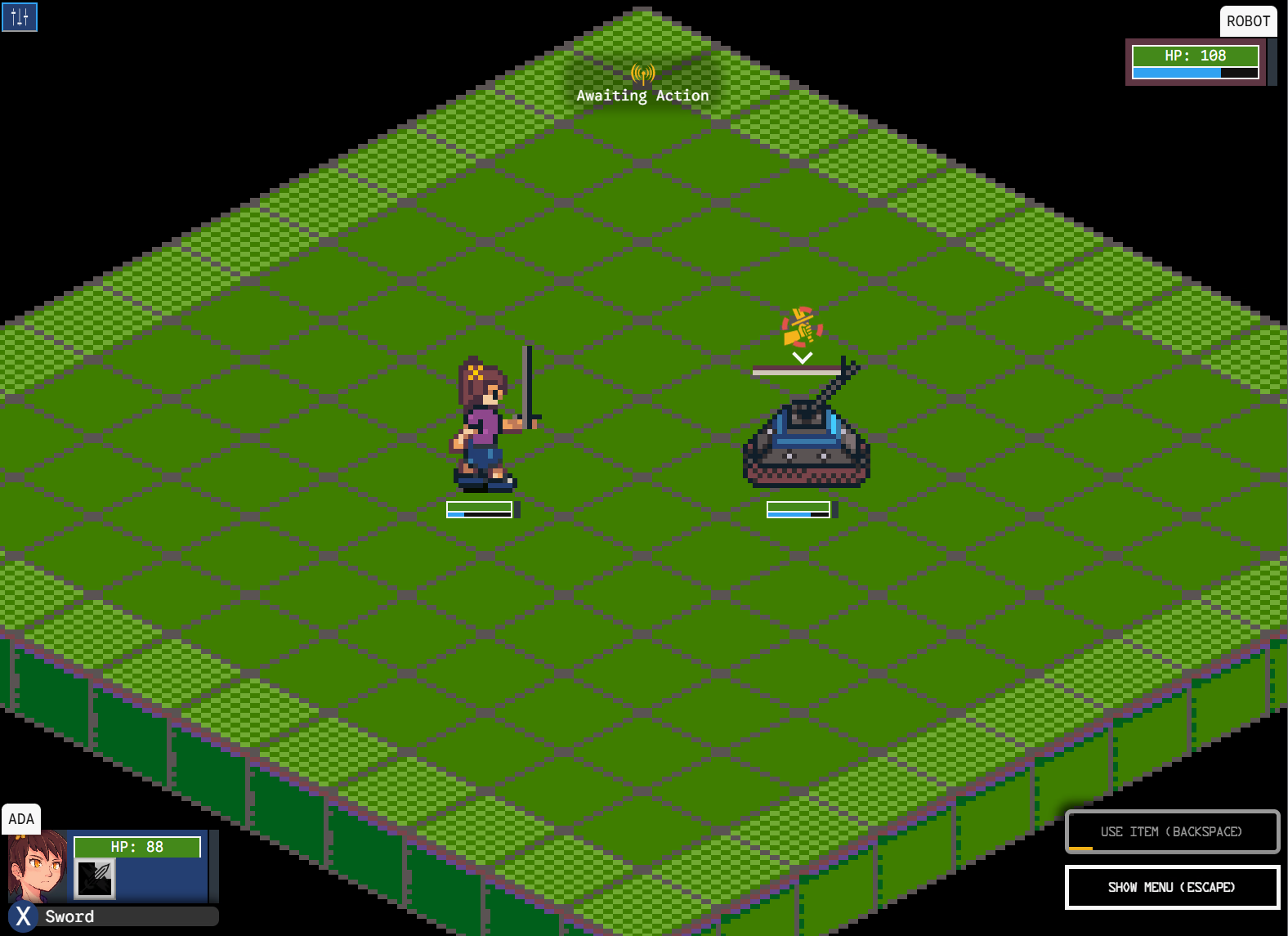
If we only think about the result of this interaction, we can say simply that some hp was taken from each character. But in games we care just as much about how the result is depicted as the result itself. If we just write this program in the terminal, execute it, and wait for output, we'll only see the result.
Actions and Depictions
Let's take a closer look at the exact flow of this interaction.
- The robot begins an attack.
- It jumps to a spot in front of Ada.
- The robot attacks Ada.
- It jumps back to its original position.
- Ada repeats the same sequence towards the robot...
These actions must occur in order, and each one takes a different amount of time to complete. But if I were to write a terminal program to calculate this, it does these all instantaneously. I run it, and I get output. How do I delay these actions an appropriate time so I can see the attacks happening? This is what I mean by async processing.
From a code perspective, what we have is data and some logic and actions that are closely related to it. And finally, some amount of time it takes to show it happening. This can be represented fairly elegantly with Object Oriented Programming and a level of inheritance.
class Action {
  execute(state: GameState) {
    // virtual function, to be overridden
  }

  // helpers to modify actions on the game state.
  insertAction(state: GameState, action: Action) {

  }
  appendAction(state: GameState, action: Action) {

  }
}
With a generic class of Action, we can define specific Actions via inheritance that perform the parts of the combat that we need. What we are setting up is a block of data and code, but crucially it hasn't been executed. It can be executed at any given time we want, as it already has all the data it needs. The state is a collection of all the data that represents a battle: it contains all the characters, the background, the ui information, the particles... everything that is being tracked as part of the battle. An action is intended to modify the state. This is passed during execution time so that we don't have to maintain a reference to it over the lifetime of the Action. The mutable state can be given to it only when it runs, so that it can change it then remove its mutability.
Looking at the list of actions we need to define, we can encapsulate that each item is some block of code that needs to be run. For example "The robot attacks Ada" is a block of code that:
- changes its animation to attack animation
- waits for the sword to hit the enemy
- deals damage
- waits for animation to complete
A PerformAttack Action might look like this:
class PerformAttack extends Action {
  // override execute from Action
  execute(state: GameState, attackerId: Character, victimId: Character) {
    const attacker = state.findCharacter(attackerId);
    const victim = state.findCharacter(victimId);
    // change attacker animation to attack animation
    // wait for target to get hit
    // calculate and apply damage
    // wait for animation to complete
  }
}
Here, the attacker and the victim are captured as part of the class, as they are necessary for the code. We can break down the attack further into sub actions, each doing a specific thing and lasting for a specific amount of time. We could compose the PerformAttack action as a list of these actions, which, when filling in the pseudocode from above:
class PerformAttack extends Action {
  // assume attacker and victim exist in the state
  execute(state: GameState, attackerId: Character, victimId: Character) {
    const attacker = state.findCharacter(attackerId);
    const victim = state.findCharacter(victimId);
    const actions = [
      new SetAnimation(attacker, Animation.BattleAttack)
      new Wait(500),
      new ApplySwordAttack(robot, ada)
      new Wait(300),
      new SetAnimation(attacker, Animation.BattleIdle)
    ];
    for (const action of actions) {
      insertAction(state, action);
    }
  }
}
Timing
Something we haven't talked about yet is time, and how these actions can be executed at the correct time.
A Note on Browser ApisIn typescript/javascript (which Regem Ludos is written in), the browser provides an api called setTimeout or setInterval. These are methods which allow you to specify a function and some amount of milliseconds, the browser will figure out the timing for you, and execute the method at what it thinks the correct time is.
At first glance this might seem like exactly what we need to execute code at different times, but there's a major problem. Handing off the control flow of the program to the browser removes the control that we might have over our simulation. This makes things non-deterministic, and much harder to manage. What if the browser calculates the timing differently than you expect? This could result in mistimed effects, or animations clobbering each other, or attacks not looking consistent - aside: how often can the browser actually mistime a setTimeout? Well, it happens frequently. Aside from the browser not accurately using the milliseconds specified in the setTimeout method, this argument goes out the window if you were to switch tabs in the browser. Chroma's api throttles such runs in the background and limits them to 1 per second. This can cause catastrophic bugs in a game.
A More Deterministic WayIn Regem Ludos, like many games, there is a single loop that runs, which constantly updates the game. Each iteration of the loop represents the game state at a certain time. This advances a little bit per loop and slightly changes the state. The loop saves in the state the current timestamp, the previous timestamp, and how much time has elapsed between them. We'll call that 'dt'. This is what we can use to measure time.
Representing a timer in code is actually very simple. You just need two variables, one to represent the duration of the time, and one to represent how much time has passed since the timer started.
class Timer {
  t: number = 0; // aggregate
  d: number = 0; // duration
}
Since we are tracking 'dt', when updating a timer, we add it to the aggregate, then check if the aggregate is greater than or equal to the duration. If it is... Boom! Time's up. You can also think of it as a gauge, where the gauge fills over time before it gets full, and the rate at which it fills is the amount of time that has passed.
Action Storage in the State
I mentioned this before, but the State contains everything that the Regem Ludos battle system needs in order to run. This includes the Action Queue. Creating an Action isn't enough to have it get run, we have to put it somewhere and in some order. So if I wan't a character to perform an attack, I have to create a new PerformAttack action, and place it in the action queue. The game picks up this action on the next loop iteration and runs it... if there's nothing else in the queue. Otherwise it has to process all the other actions before it.
Before that can be done, however, we also need to provide the amount of time it takes for an action to complete. This can be represented as a wrapper class around the action.
class AsyncActionRunner {
  action: Action;
  timer: Timer;
  isReady: boolean = false;

  constructor(action: Action, ms: number) {
    this.timer = new Timer(ms);
    this.action = action;
  }

  execute(state: GameState) {
    // virtual function, to be overridden
  }

  update(dt: number) {
    timer.t += dt;
    if (timer.t >= timer.d) {
      isReady = true;
    }
  }
}
Using this class gives a queue of these AsyncActionRunner classes, all ready
and primed to execute an action after some amount of time has passed. This is
The logic the game uses to execute a queue of actions is as follows:
- Get the current action from the list.
- If there is an action...
- Add the elapsed time since the last step to the action's timer.
- Check if the action's timer is complete.
- If the timer is complete, pull (remove) the action from the list.
- Get the next action in the list (if any).
- Execute the next action.
And that's a great start. We now have a way to execute an async set of actions without blocking the rest of the program.
This article is getting a bit long, but there are still other things to talk about, like how these actions can interrupt each other, or how you can have multiple parallel action queues representing different threads of what is going on and how to orchestrate that, but these will have to be saved for a potential part two.
Have a nice day, and make sure you get to that post-battle rewards screen in your own battles!